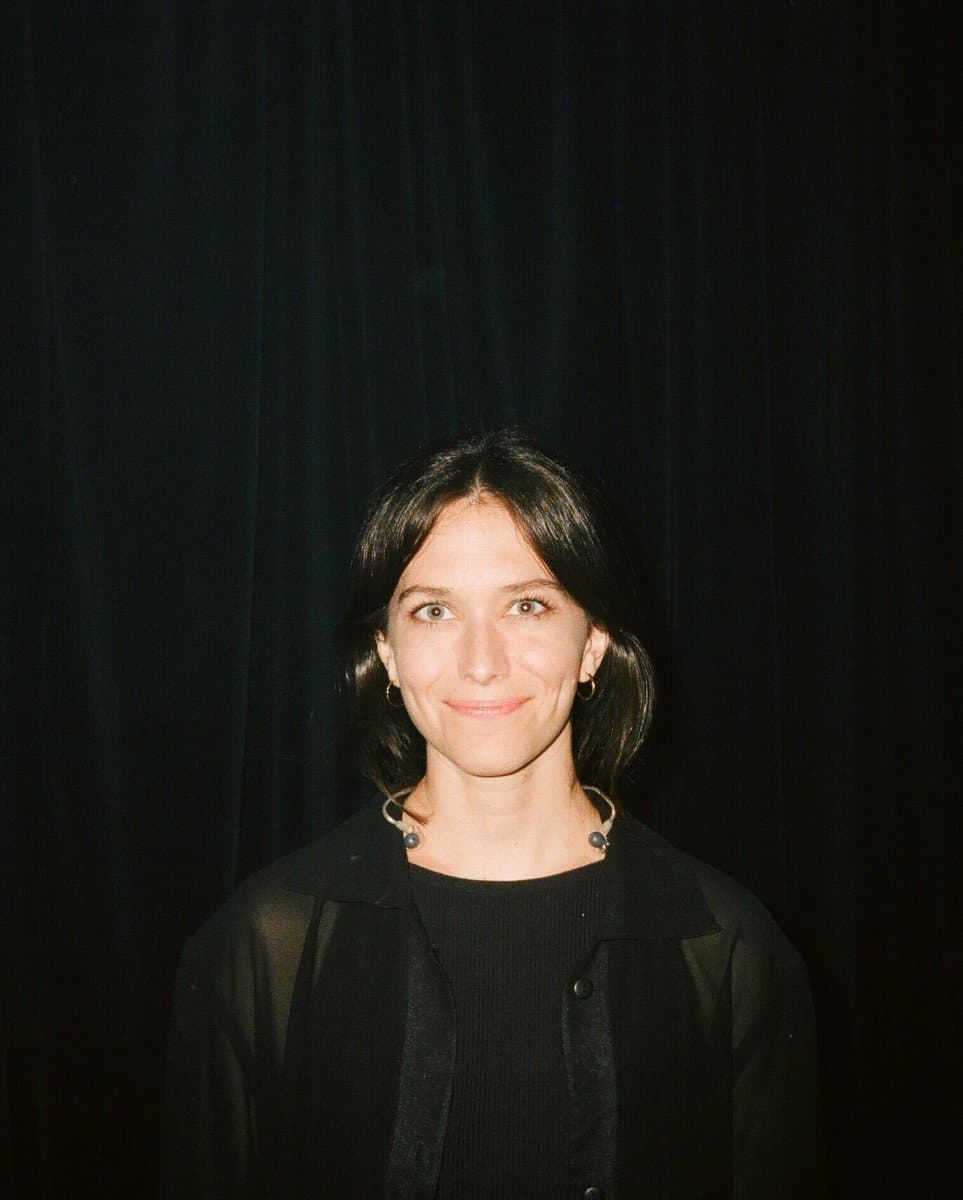
Book Ahmed Saad Tickets at Global Village | 13 November 2026
Price
All
Adjacent Tickets

All Tickets
0 Tickets

About this event
Book Tickets for Ahmed Saad at Global Village Season 31
Book tickets for Ahmed Saad at Global Village Season 31 through Tikevent and choose an experience that fits your plans. Browse listings when available, select your ticket quantity and category, then review the attendance date, venue, order total and delivery method before paying.
Combine a Global Village visit with an evening of music by Ahmed Saad as part of Season 31’s concert programme. Choose a suitable visit date and check the admission ticket conditions and how they apply to concert attendance before placing your order. Then plan a day that suits everyone in your group.
Ahmed Saad at Global Village Season 31 Details
| Detail | Event information |
|---|---|
| Event | Ahmed Saad First Concert of Global Village Season 31 |
| Day and date | Friday 13 November 2026 |
| City | Dubai, United Arab Emirates |
| Location | Main Stage, Global Village, Dubai |
| Event type | Concert within the Global Village programme |
| Attendance time | As stated on the ticket and in the admission instructions |
| Categories and prices | According to listings available at the time of booking |
| Delivery | According to the listing and order details |
A Musical Evening to Share with the Audience
The concert adds time for live music and audience interaction at the Main Stage to your visit. Arrange your wider itinerary around the performance, allowing time to reach the show area according to the event’s admission arrangements. Check the programme for the performance time; the venue opening time is not necessarily the concert start time.
The Global Village event page states that attendance at the Main Stage concert is included with the admission ticket. Check that your ticket is valid for the concert day and meets the relevant conditions. A booking does not automatically guarantee a numbered seat or a particular position near the stage. Ask for clarification before comparing or paying for any listing that promises additional benefits.
Plan Your Evening Before You Arrive
A Global Village visit can include walking around, watching shows and exploring pavilions according to their operating schedules. Agree on your group’s priorities and when to meet at the stage, and check any applicable family and ladies’ area instructions. Purchases, rides and separate experiences have their own pricing and conditions.
Check the entrance address and meeting point rather than relying on the event name alone. Allow time for the journey, queues and admission procedures, and keep your booking information somewhere easy to access. If a companion needs accessibility arrangements, ask about the requirements before selecting a category and completing your purchase.
Ahmed Saad at Global Village Season 31 Ticket Prices
Ticket prices depend on the category, available quantity and details of each listing. Confirm the number of attendees first, then compare ticket location, validity and inclusions before comparing totals. Check the currency and any fees shown in the order summary before paying. Tikevent is a ticket resale marketplace, so displayed prices may differ from the original face value.
Use the price displayed for your selected listing at the time of booking. A price for another listing or date is not a final quote for your order. Where different categories are offered, read each category’s conditions and whether it covers one person or several. Calculate the group cost using tickets that suit every attendee and any additional services you explicitly select.
Choose a Suitable Category and Book for Your Group
If you are attending with family or friends, agree on the final number and check that every ticket is for Ahmed Saad at Global Village Season 31 and the same intended schedule. Read the category details before purchasing and make sure the age and accompaniment conditions suit each person. Listings with the same name do not necessarily share a date, validity period or inclusions.
If the listing provides numbered seats, check the block, row, seat numbers and whether the seats are together before paying. If admission is to an unnumbered area, read how it is organised instead of assuming you will have a fixed position. For a group, confirm that all tickets match the category and admission arrangement you have agreed on.
Why Book Through Tikevent
A clear booking starts with understanding the ticket you are choosing and knowing how to follow up on your order. Through Tikevent, you can review available listings, category details, the total and delivery terms before purchasing. Keep your booking confirmation and order number, and check the contact details you entered so you can follow any instructions relating to delivery.
Learn about the platform and its services through the About Us page, and use the available contact and support channels if you need clarification before purchasing or help afterwards. Include the event name, your order number if you have one, and a clear question about the date, category or delivery so the enquiry can be matched to the relevant booking.
Payment Options with Tabby and Tamara
You can select Tabby or Tamara when they appear among the payment options available for your order. Choose your tickets and quantity first, then review the payment plan, instalment amounts, due dates and any stated costs before confirming your selection. Availability, approval and repayment conditions depend on the provider and customer and order eligibility. Options may vary by currency and booking details.
How to Book Ahmed Saad at Global Village Season 31 Tickets
1. Open the Ahmed Saad at Global Village Season 31 page and confirm the city, venue and attendance date.
2. Review ticket categories, age restrictions, admission conditions and listing inclusions.
3. Select the quantity and check that the tickets suit everyone attending.
4. Read the delivery method, delivery timing and any ticket transfer or usage requirements.
5. Check your mobile number and email address, then review the total and currency.
6. Choose a suitable available payment method and complete the purchase.
7. Keep your order confirmation and follow the delivery and attendance instructions.
Receive Your Tickets and Prepare to Attend
The delivery method depends on the listing and order details. If your ticket requires a digital transfer or acceptance through an account or app, use the required information and complete the steps associated with your booking. Once received, match the event name, date, category and number of tickets to your confirmation. Check when the entry code becomes available if it is scheduled to appear closer to the event.
Before leaving, review the entrance, arrival time, bag policy, photography rules and permitted items. Prepare your phone and the approved way of displaying the ticket, and avoid sharing your ticket publicly. If admission instructions require identification or another document, have it ready in advance and follow the on site team’s directions throughout your visit.
Frequently Asked Questions About Ahmed Saad at Global Village Season 31
When does this event take place?
Schedule information: Friday 13 November 2026. Check the door opening time and programme start in your booking details, as admission may begin before the main performance.
Where does the event take place?
Location details: Main Stage, Global Village, Dubai. Check the entrance address, meeting point and arrival instructions for your booking before setting out.
How do I find the ticket price?
Review the available listings, category and quantity, then use the total displayed for your order before paying. Prices may differ between listings and categories, and a previously displayed price is not guaranteed to remain available.
Can children attend?
Read the age classification, accompaniment requirements and ticket category for each child before purchasing. Admission for adults does not automatically mean that the event is suitable for all ages or that children enter free.
Does the ticket include additional services?
Only services expressly stated in the listing are included. Check the details of hospitality, parking, food or transport where mentioned, and do not treat a category name alone as proof that these are included.
Can I cancel my booking or change the date?
The purchase terms, order policies and event conditions apply. Read them before paying and follow the instructions associated with your booking if an announced change occurs. Do not assume that exchanges or refunds are automatic.
Book Ahmed Saad at Global Village Season 31 Tickets Through Tikevent
Choose tickets for Ahmed Saad at Global Village Season 31 when you find a suitable listing, decide who will join you, and review the date, location, category, quantity, delivery and total before placing your order. Arrange your journey and keep your booking confirmation so you know how to prepare for admission.
For more options, browse all Tikevent events at https://tikevent.com/events, or learn about the platform through the About Us page and the support channels available on the website.